录音与文件
手机录音或连接 MUSINOTE 支架等设备。录音结束后在首页按时间管理文件。
 MUSINOTE
 records meetings, transcribes speech, and writes summaries. This page is public.
MUSINOTE 是会议录音、实时转写和会后总结应用。本页公开,任何人都可以阅读。
MUSINOTE does not use Google APIs or Google user data to create images, including AI-generated non-consensual intimate imagery (NCII).
MUSINOTE 不会把 Google API 或 Google 用户数据用于生成图片,包括人工智能生成的、未经当事人同意的私密影像。
应用名称是 MUSINOTE。本页公开。MUSINOTE 用来录音、把语音转成文字,并生成会议总结。
你可以选择连接 Google 日历。连接后,应用会读取你的 Google 账号邮箱,并把会议总结写入你的 Google 日历。这些 Google 用户数据只用于这项功能,不会用来生成图片,也不会用于生成未经同意的私密影像。你可以在应用里断开连接,之后新的会议总结不会再写入日历。
The app name is MUSINOTE. This page is public. MUSINOTE records meetings, turns speech into text, and writes a summary.
You can choose to connect Google Calendar. After you connect, the app reads your Google account email and writes the meeting summary into your Google Calendar. That Google user data is used only for this feature. It is not used to generate images, including non-consensual intimate imagery. You can disconnect in the app. After that, new summaries are not written to the calendar.
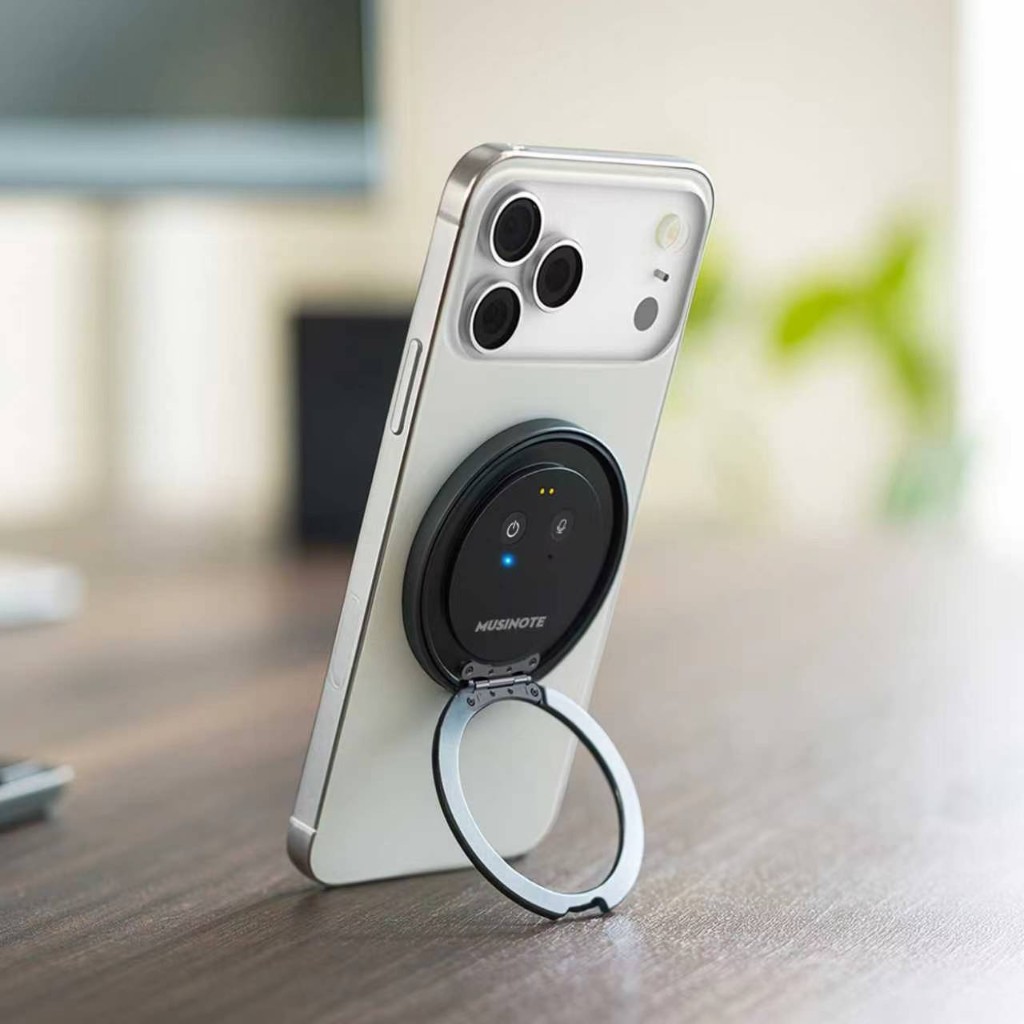
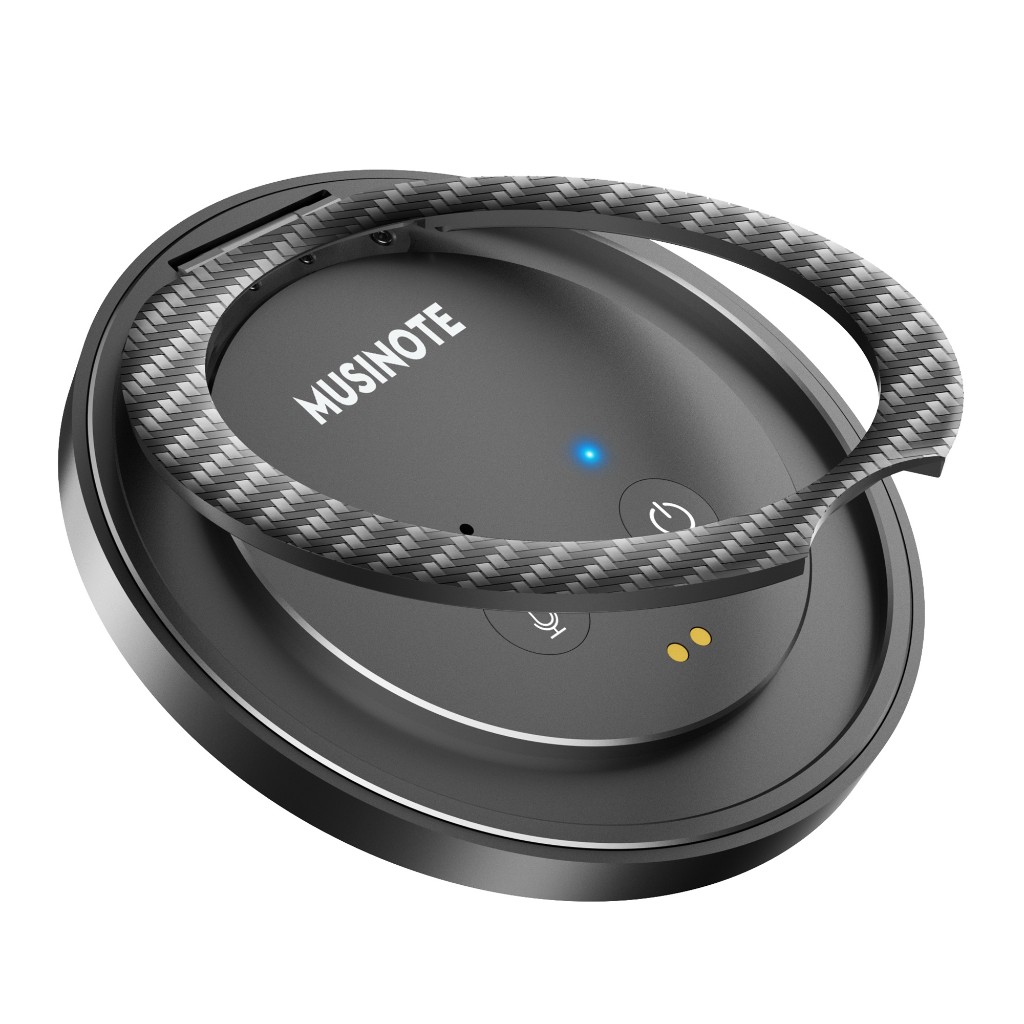
圆形磁吸录音支架,可夹在手机背面当支架,也可放在会议桌上拾音。
手机录音或连接 MUSINOTE 支架等设备。录音结束后在首页按时间管理文件。
说话内容转成文字,支持多语种。可回看发言人与时间轴。
会后一键生成纪要、要点和思维导图,方便分享给同事。
基于本次会议内容提问,快速找到结论、待办和未决事项。
连接录音支架、AI Pencil 等设备,在「我的」里管理已绑定硬件。
界面支持多种语言,会议文件可以同步,也可以使用私有云。
从本页下载 MUSINOTE。本页公开,可以直接阅读。
将支架磁吸到手机背面,翻出圆环立住手机;或放到会议桌中央。在 App 的「我的 → 我的设备」中完成绑定。
首页点击中间加号开始录音。录音中可实时转写;结束后打开文件查看转写、生成总结或分享。